Press kit

Everything you need to write about BetterGifBar: the story, the facts, screenshots, videos, and text you can paste. If something is missing, ask.

About

I’m Richard Wellington, a solo developer. On June 30, 2026, Tenor shut down its API. Most of the small Mac GIF utilities were built on it, and so was the GIF Keyboard on iPhone, so a lot of GIF search quietly went empty that summer. The two apps I used every day were among them. I went looking for a replacement, didn’t find one I liked, and built the one I wanted: a menu-bar panel that opens with ⌘⇧G in any app, never steals focus from the window I’m typing in, and puts the actual GIF file on the clipboard so ⌘V drops it into Slack, Discord, Mail, or a text as the image itself.

Then I wanted the same thing in my texts, so I built the iPhone version. It lives in the Messages drawer, it’s free, and it shares the same core as the Mac app. Both let you make a GIF yours: type your own caption, then drag the range handles so each line appears at exactly the moment you want, and export a real GIF rendered on your device. Nothing is uploaded, there are no accounts, and I never see what anyone searches or sends. The best GIF app you’ll actually keep using — fast, private, and it only gets better with every update.
Fact sheet

AppsBetter Gif Bar - GIF Search (Mac) · Better Gif Bar: GIFs for Texts (iPhone). Brand name in the app and on this site: BetterGifBar.
What they areMac: a menu-bar GIF search panel, summoned with ⌘⇧G from any app. iPhone: a GIF app that lives in the Messages drawer. Both add timed captions.
PlatformsmacOS 14 or later (Apple silicon and Intel) · iOS 17 or later, built for iPhone
LaunchedMac: September 11, 2026 · iPhone: September 9, 2026
Get themMac App Store · App Store for iPhone (free)
DeveloperRichard Wellington, solo independent developer
Websitebettergifbar.pages.dev
PrivacyNo accounts, no sign-in. Favorites and recents stay on the device. Captions are rendered on-device; caption text never leaves it. Anonymous, content-free usage counts with an off switch (never search text, caption text, or which GIF). Full policy.
Search providerKLIPY. Search sits behind a provider interface in the app, a lesson from Tenor’s shutdown.
PermissionsNone requested on either platform.
Key factsOne keystroke on Mac, one tap in texts. The Mac panel never takes focus from the app you were typing in, and Enter copies the real GIF file, not a link. Per-line caption timing, exported as a real GIF on-device; nothing else on Mac does per-line timing.

Screenshots

Right-click any image to save it. Mac shots are 2560×1600; iPhone shots are 6.9-inch App Store size. All are mockups of the real interface, in each platform’s own visual language.

Mac

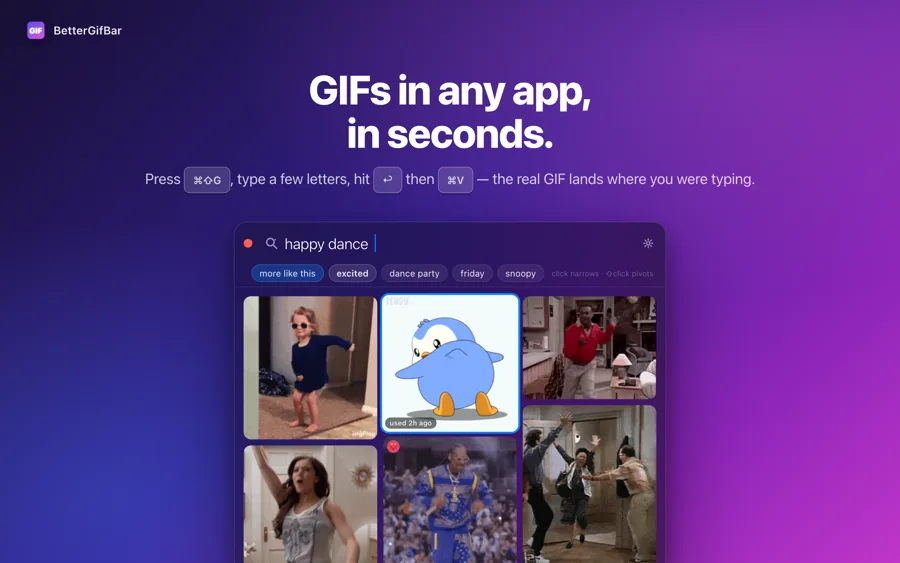
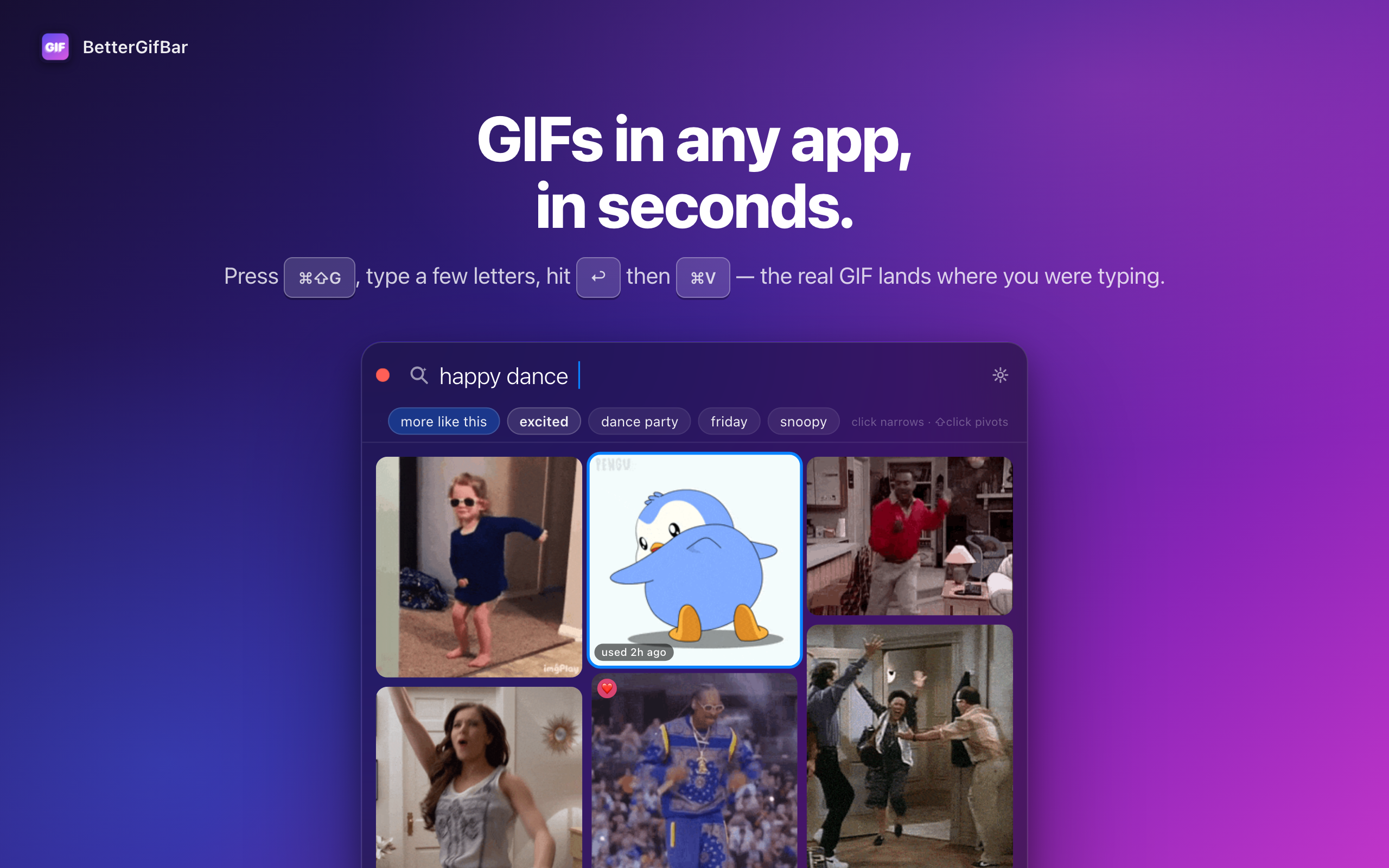
The BetterGifBar panel on Mac, open over a chat window, searching 'happy dance'
Search panel mac-01-hero.png
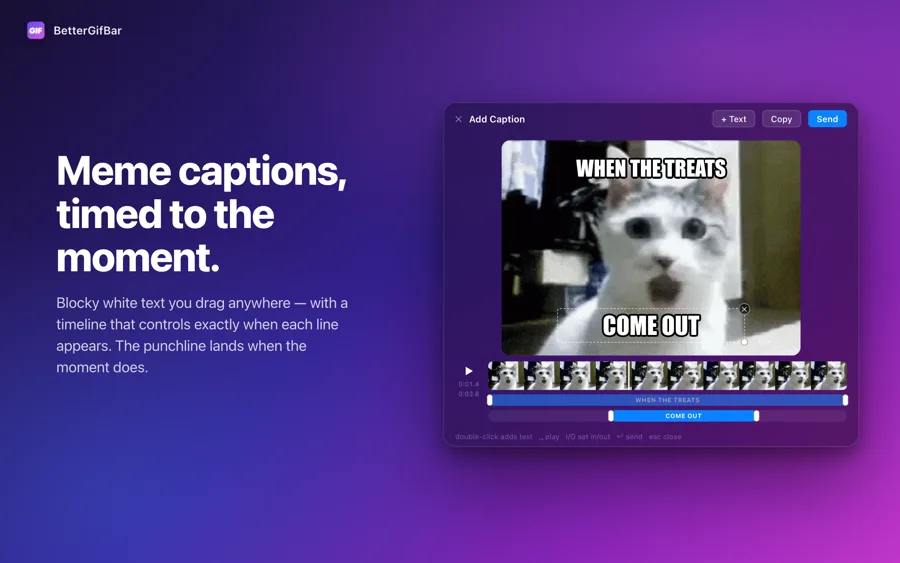
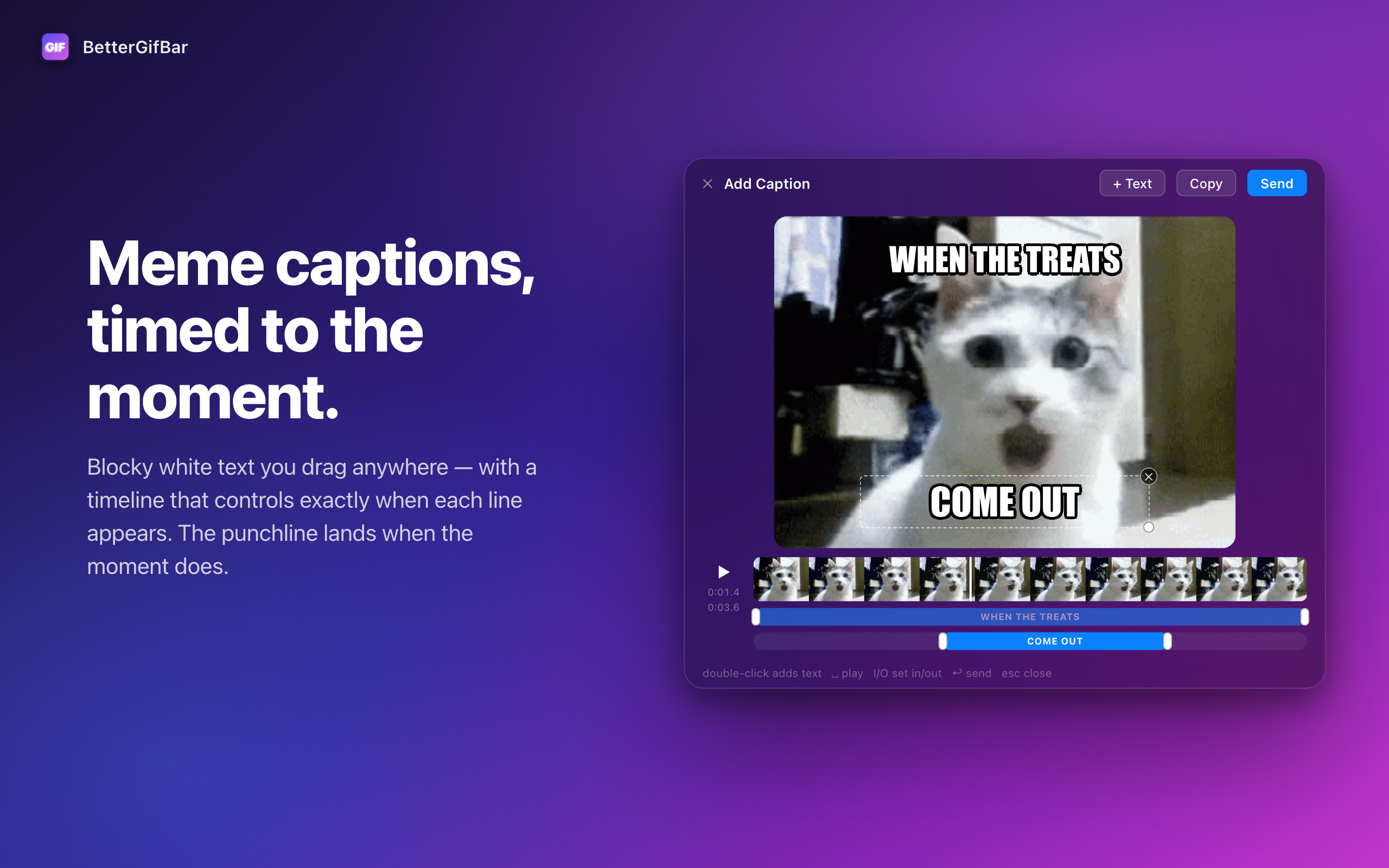
The caption editor on Mac: draggable text over a GIF with a filmstrip timeline and a timing bar per caption
Caption editor mac-02-captions.png
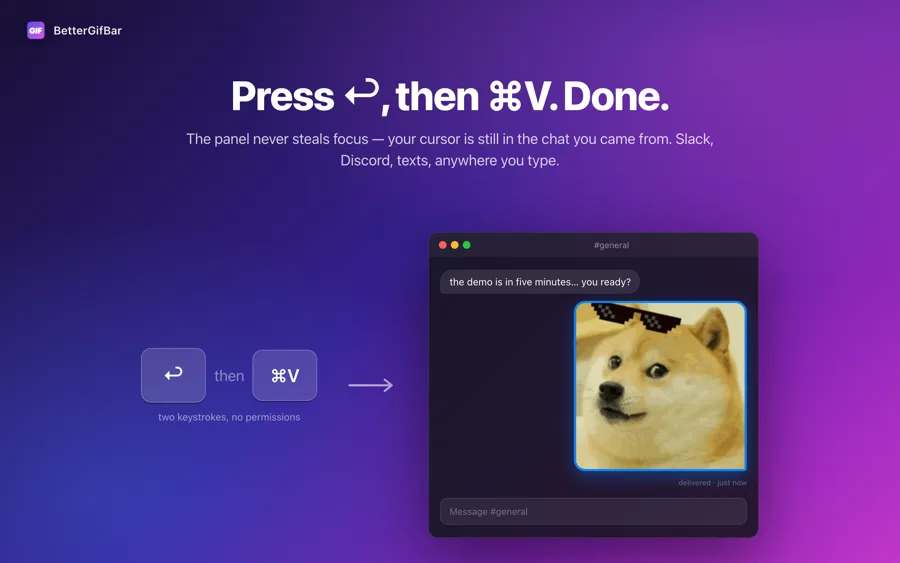
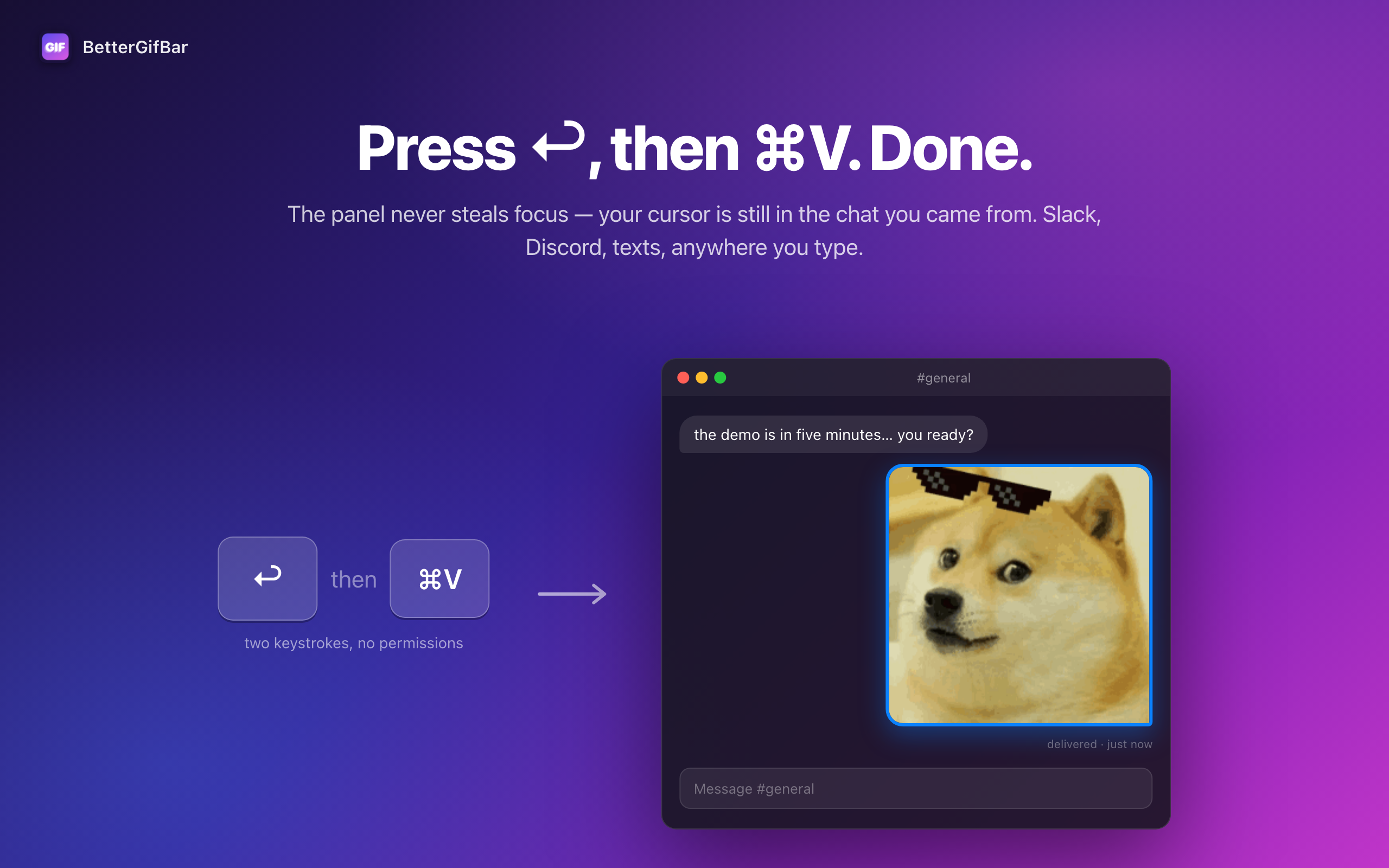
A chat window with the GIF delivered as an image right after pressing Enter and Command-V
Delivery mac-03-delivery.png
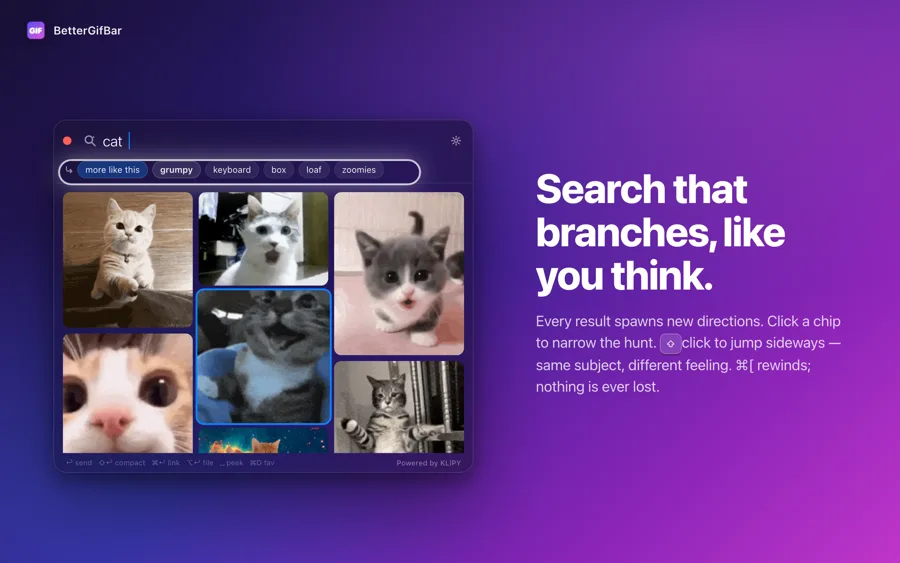
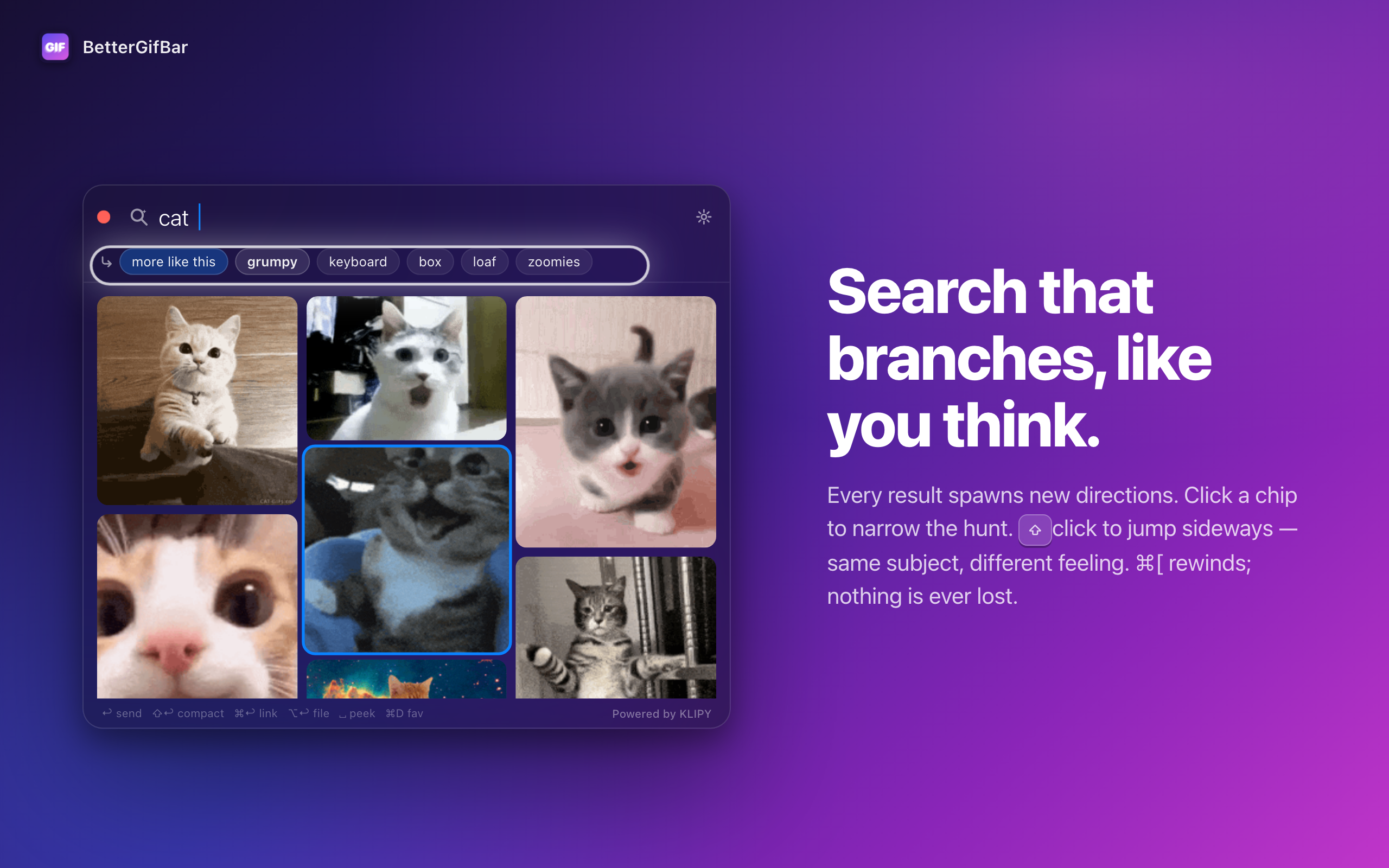
A cat search with a pivot rail offering grumpy, keyboard, box, loaf, and zoomies
Pivot chips mac-04-pivots.png
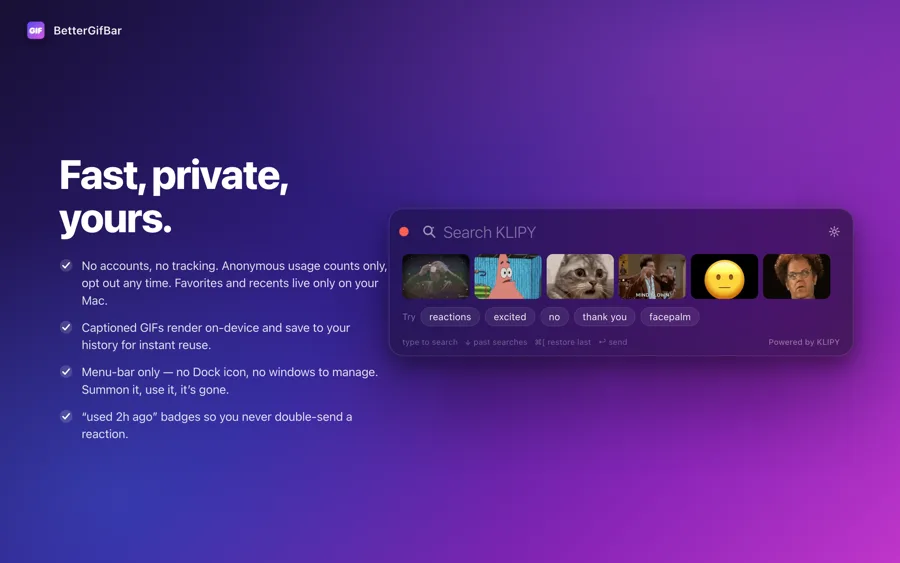
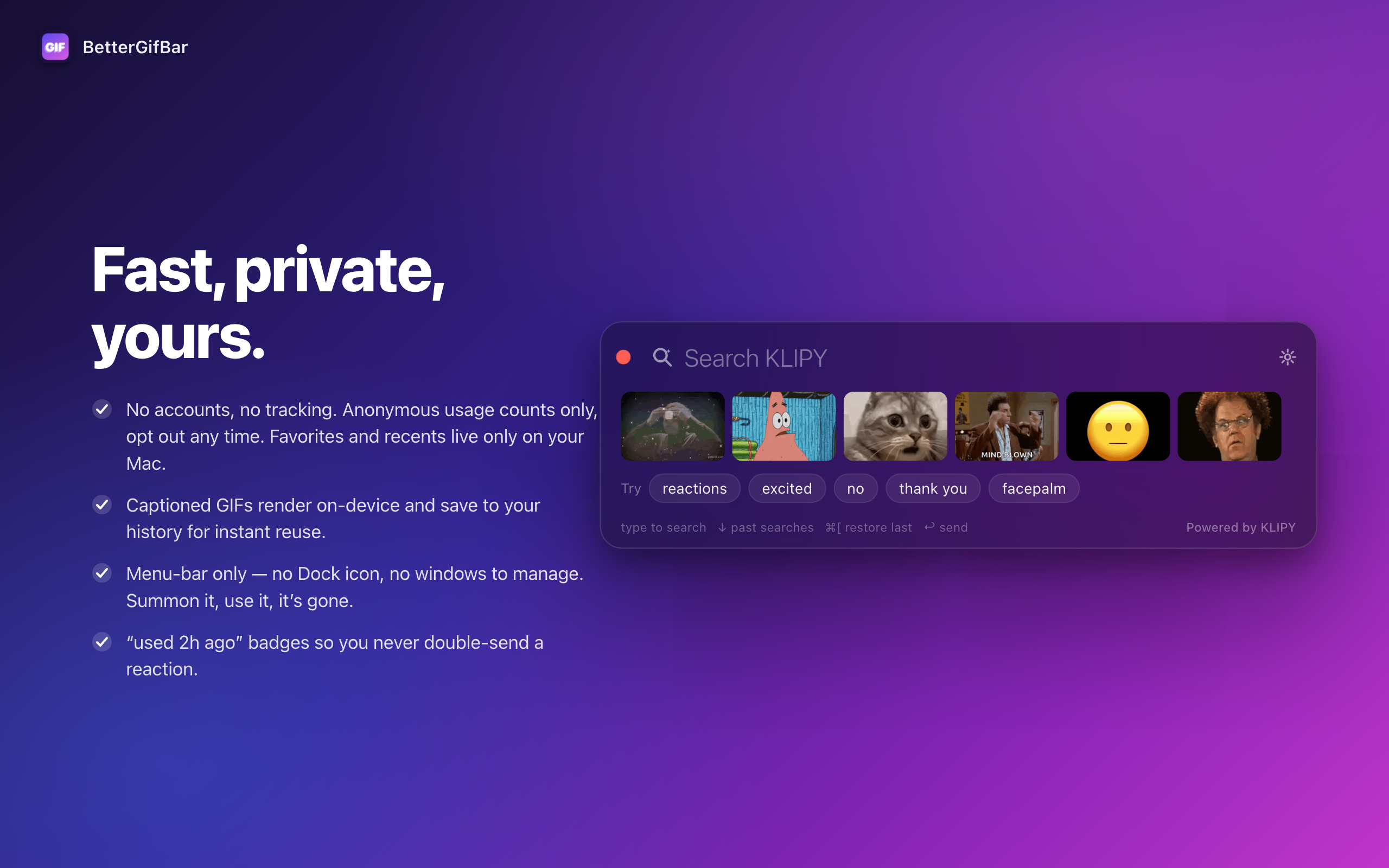
Favorites, recents, and the privacy settings on Mac
Private by default mac-05-private.png

iPhone

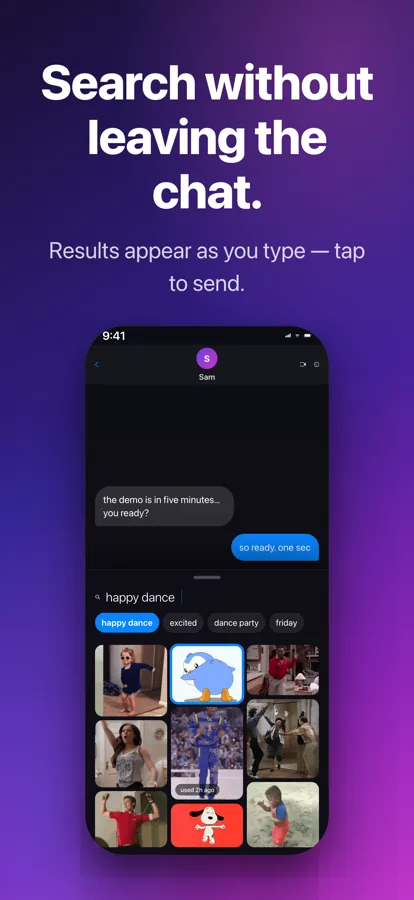
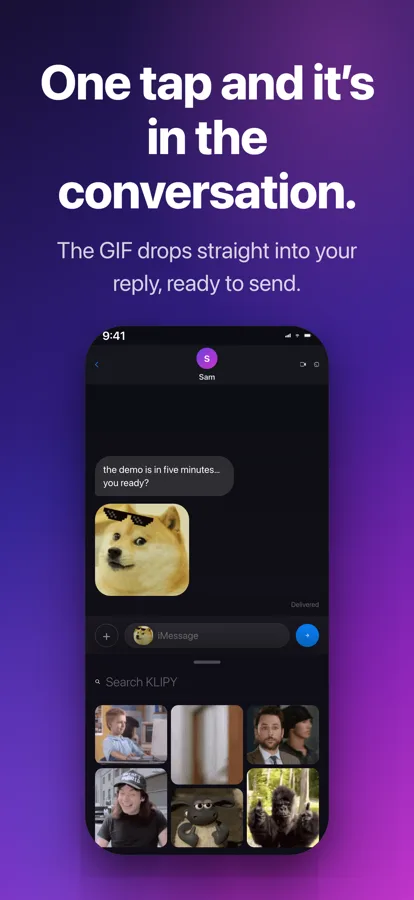
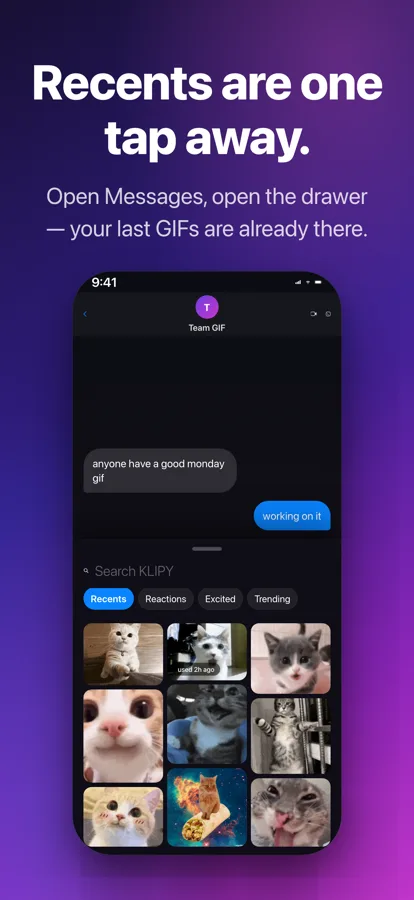
Searching GIFs inside a Messages conversation on iPhone
Search ios-01.png
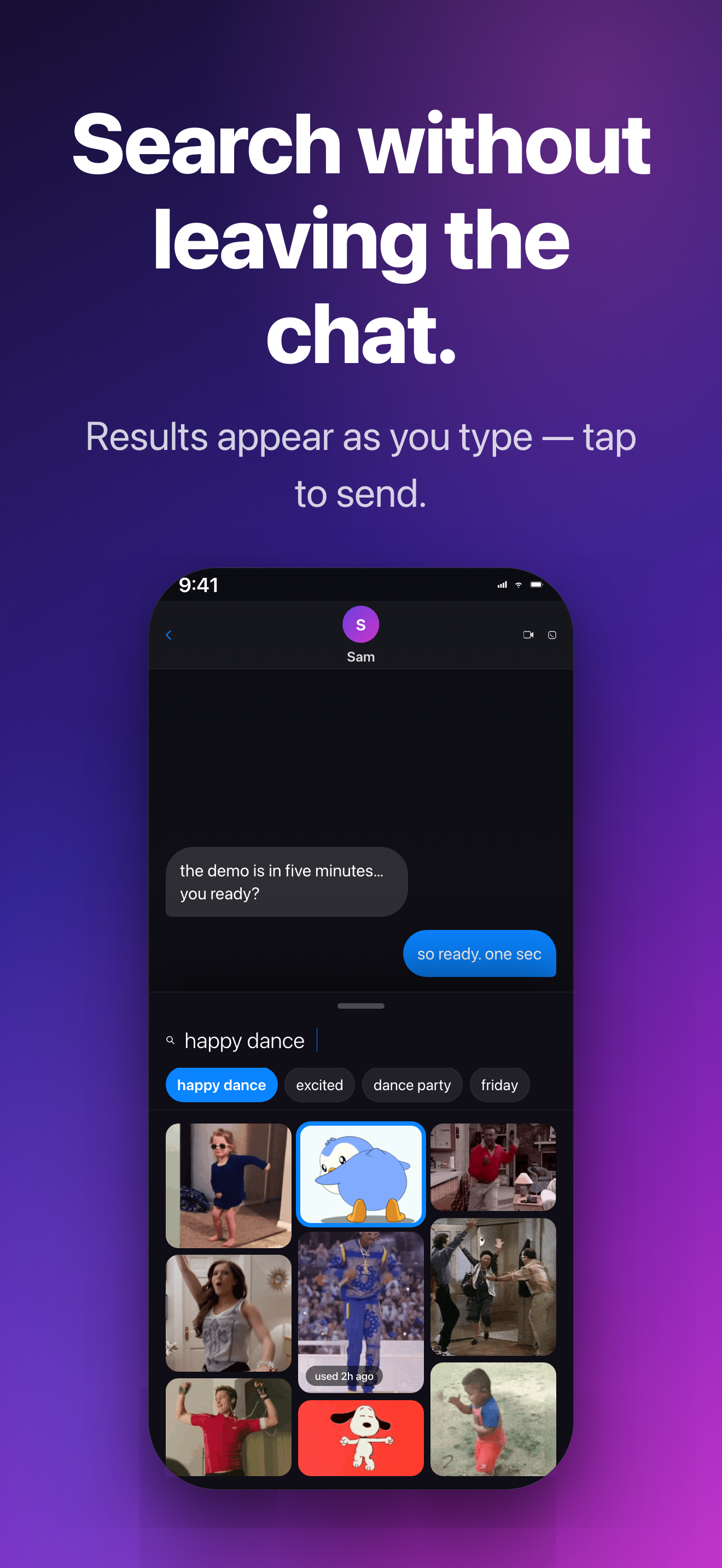
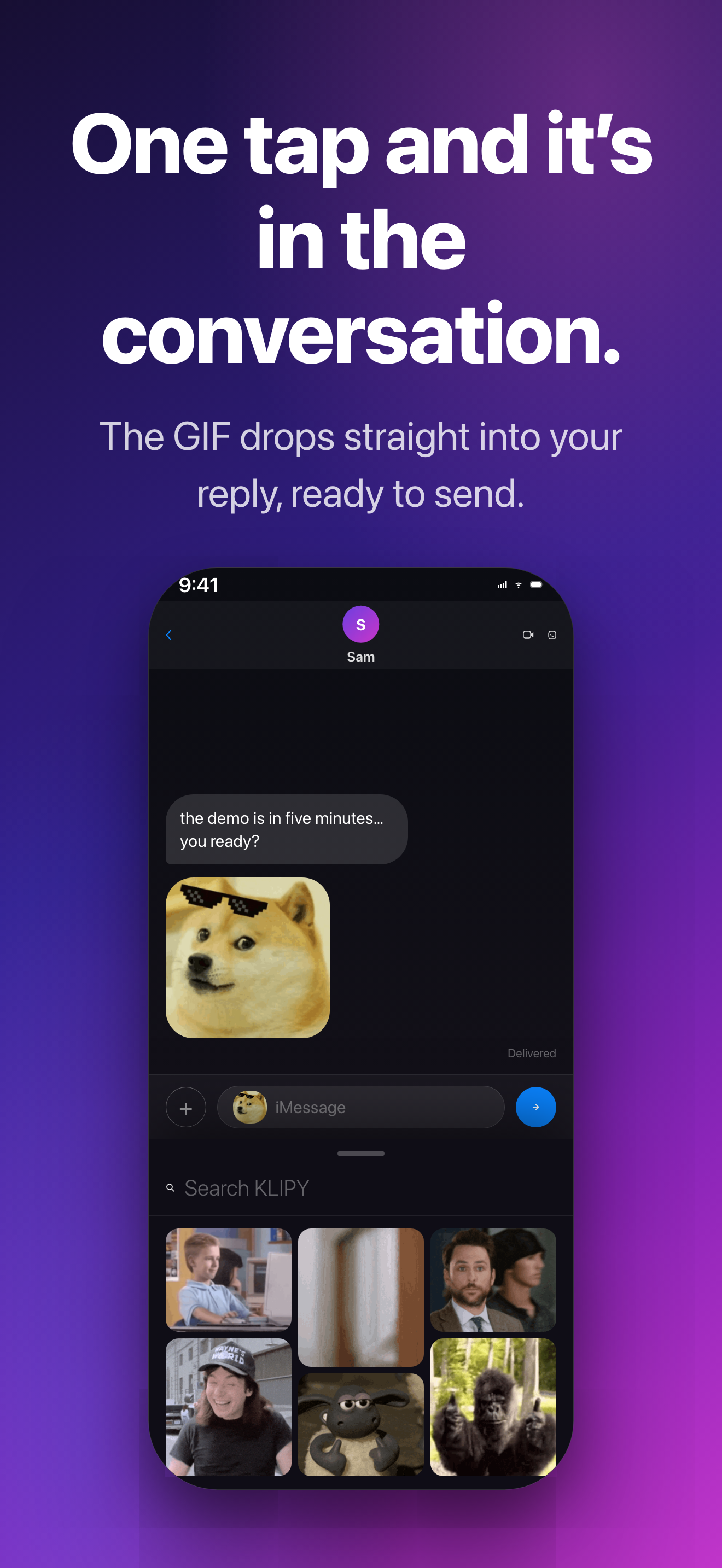
A GIF delivered into the conversation on iPhone
Delivered ios-02.png
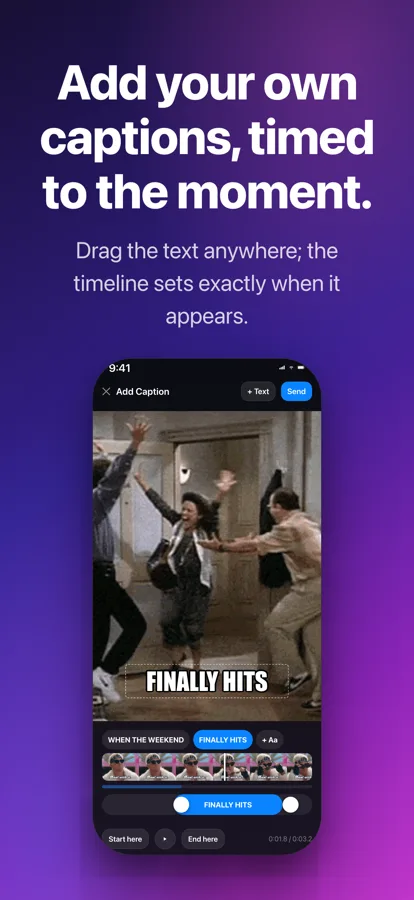
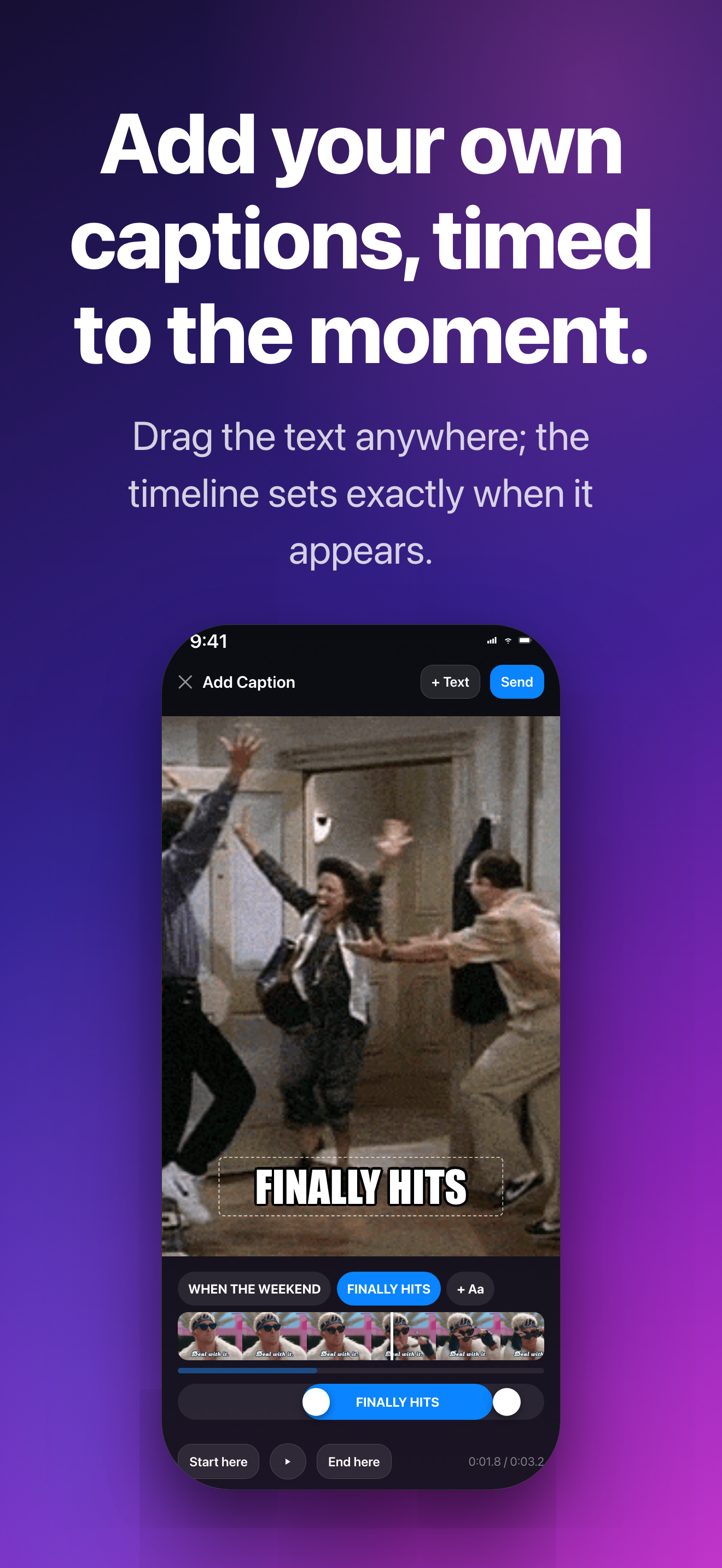
The touch caption editor on iPhone
Captions ios-03.png
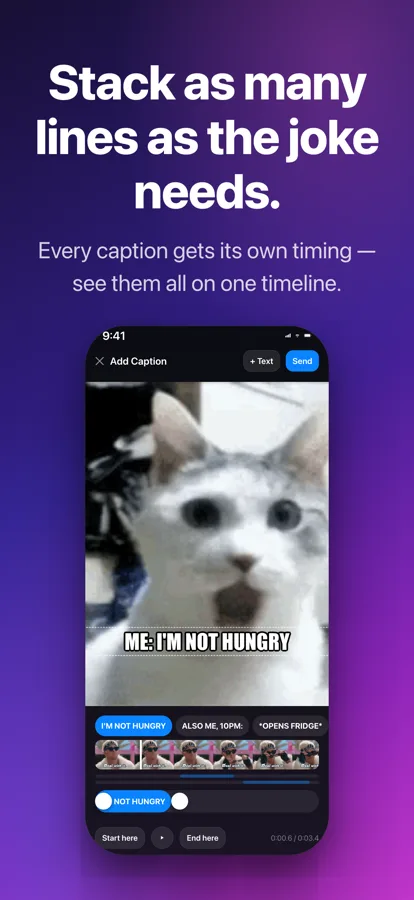
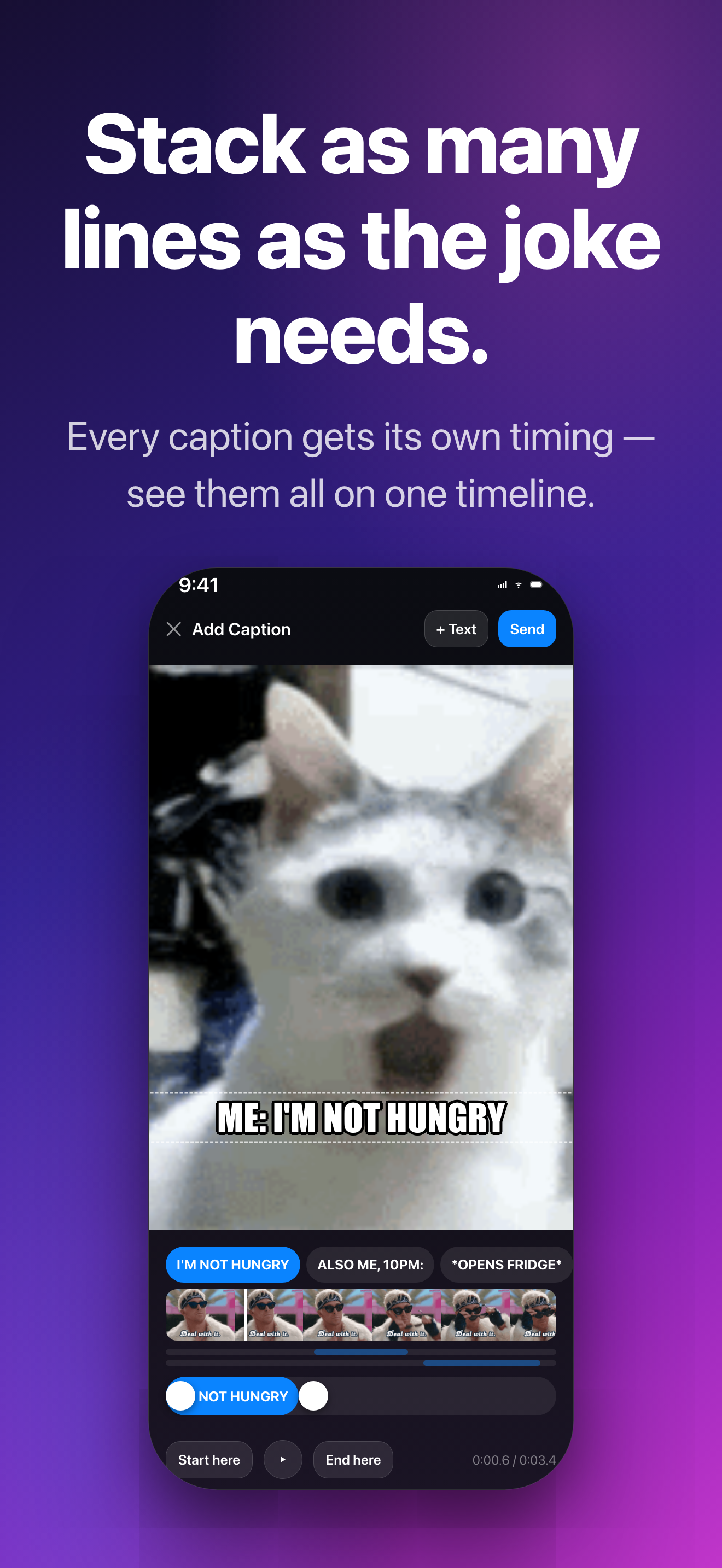
Multiple timed captions on one GIF on iPhone
Timed lines ios-04.png
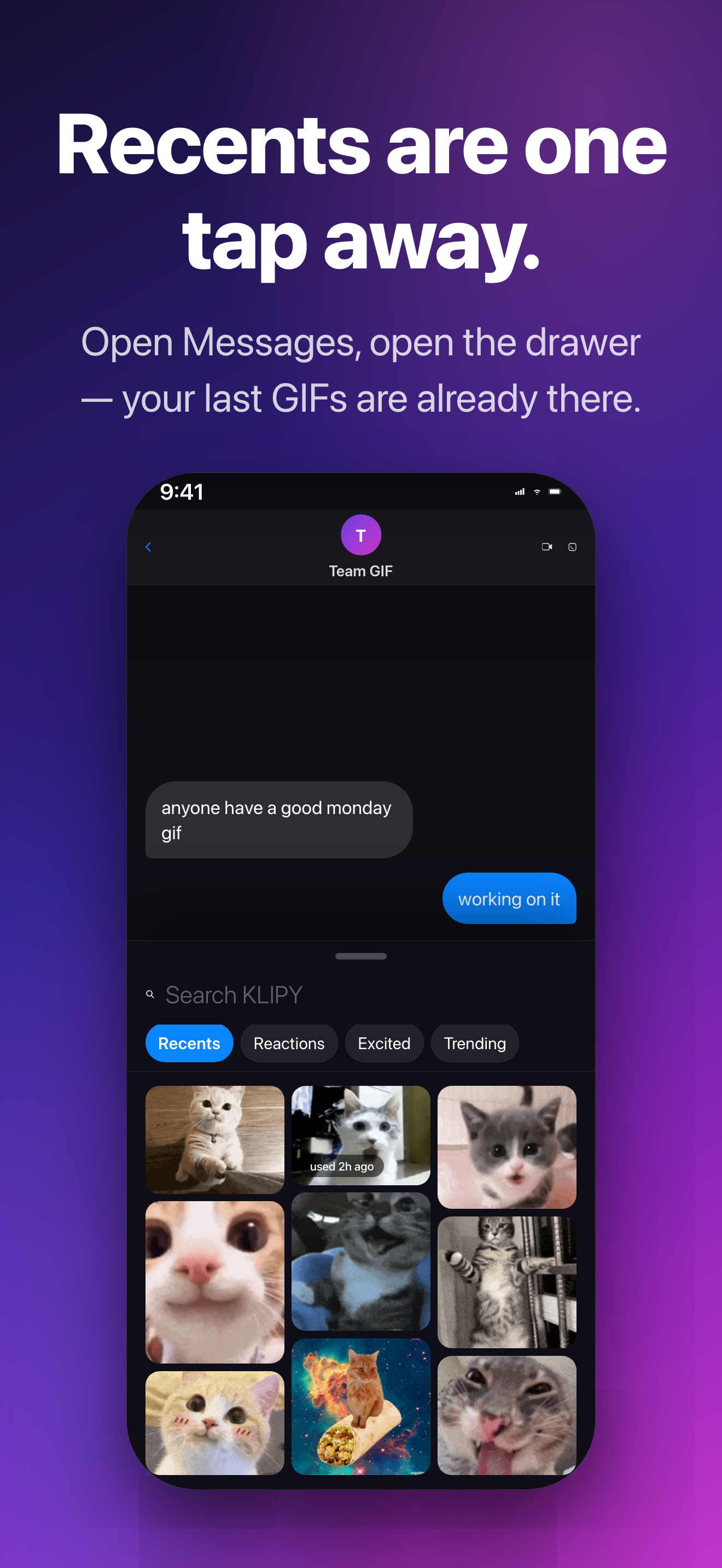
Recents and favorites on iPhone
Recents ios-05.png

Icon and banner

BetterGifBar app icon
App icon, 1024×1024 icon-1024.png
BetterGifBar promotional banner
Promo banner promo-banner.png

Please don’t alter the icon or place it on a busy background. Screenshots may be cropped.

Videos

Real usage, no music, safe to embed or re-cut. Each one is a few seconds; the first is the whole Mac loop, start to finish.

Mac: ⌘⇧G, type, Enter, ⌘V mac-speedrun.mp4
Mac: timing a caption mac-captions.mp4
iPhone: search and send in texts iphone-drawer.mp4

Boilerplate

One paragraph

BetterGifBar is a GIF app for Mac and iPhone from solo developer Richard Wellington. On Mac, a menu-bar panel opens with ⌘⇧G in any app; type a few letters, press Enter, then ⌘V, and the real GIF file lands where you were typing, without the window ever losing focus. On iPhone, the free companion lives in the Messages drawer for searching and sending GIFs in texts. Both let you add your own captions and time each line to the moment, exported as a real GIF rendered on the device. There are no accounts and no sign-in, and usage statistics are anonymous and content-free with an off switch. Search is powered by KLIPY. BetterGifBar was built after Tenor’s API shutdown in June 2026 broke the GIF apps its developer used. Available on the Mac App Store and the App Store for iPhone; more at bettergifbar.pages.dev.

One sentence

BetterGifBar is a keyboard-first GIF app for Mac, and a free one for texting on iPhone, that puts the real GIF where you were typing in one keystroke and lets you add captions timed to the moment, with no accounts and nothing uploaded.

Tagline

The best GIF app you’ll actually keep using — fast, private, and it only gets better with every update.
Naming

Brand: BetterGifBar (one word, as it appears in the app and menu bar). App Store listings: Better Gif Bar - GIF Search (Mac) and Better Gif Bar: GIFs for Texts (iPhone).

Contact

Richard reads everything himself. For interviews, review copies, or anything not covered here, email is fastest. Bug reports and ideas can go through the feedback form.