BetterGifBar
Captions    Feedback    Privacy

GIFs in any app,
in seconds.

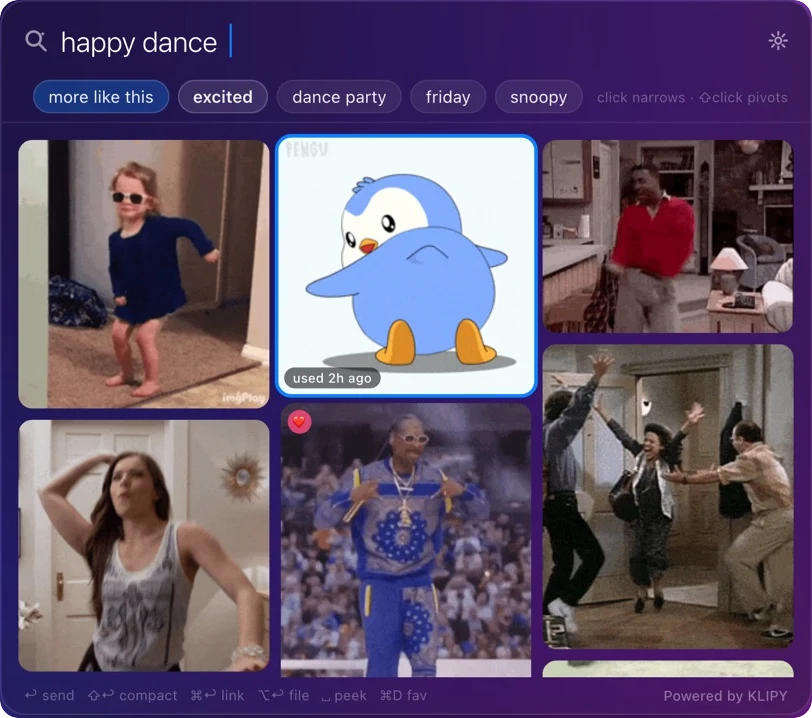
Press ⌘⇧G, type what you're feeling, hit — the GIF is already pasted in Slack, Discord, iMessage, wherever you were typing. Your window never loses focus.

Free · macOS 14+ · beta builds — first launch on Mac: right-click → Open · Search powered by KLIPY
The BetterGifBar panel searching 'happy dance' over a purple desktop
Make it yours

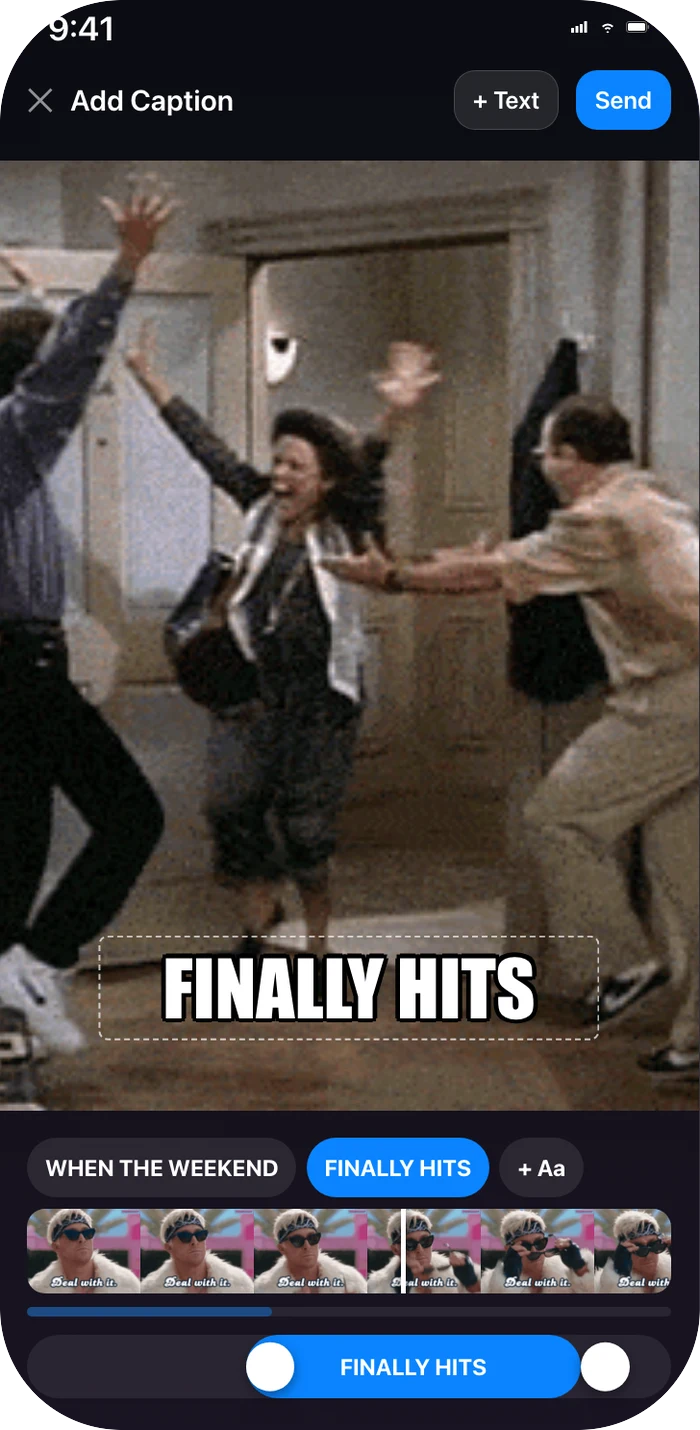
Meme captions, timed to the moment.

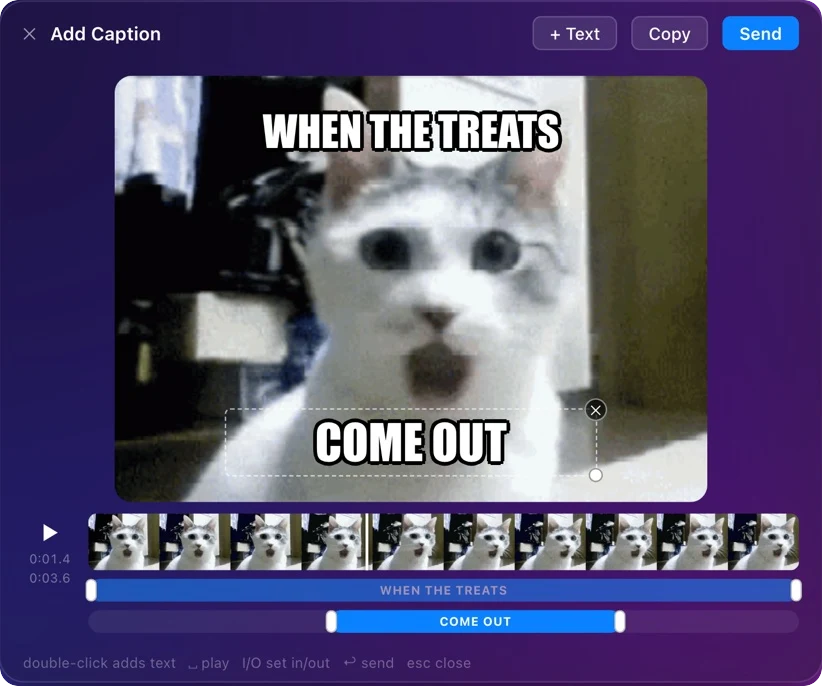
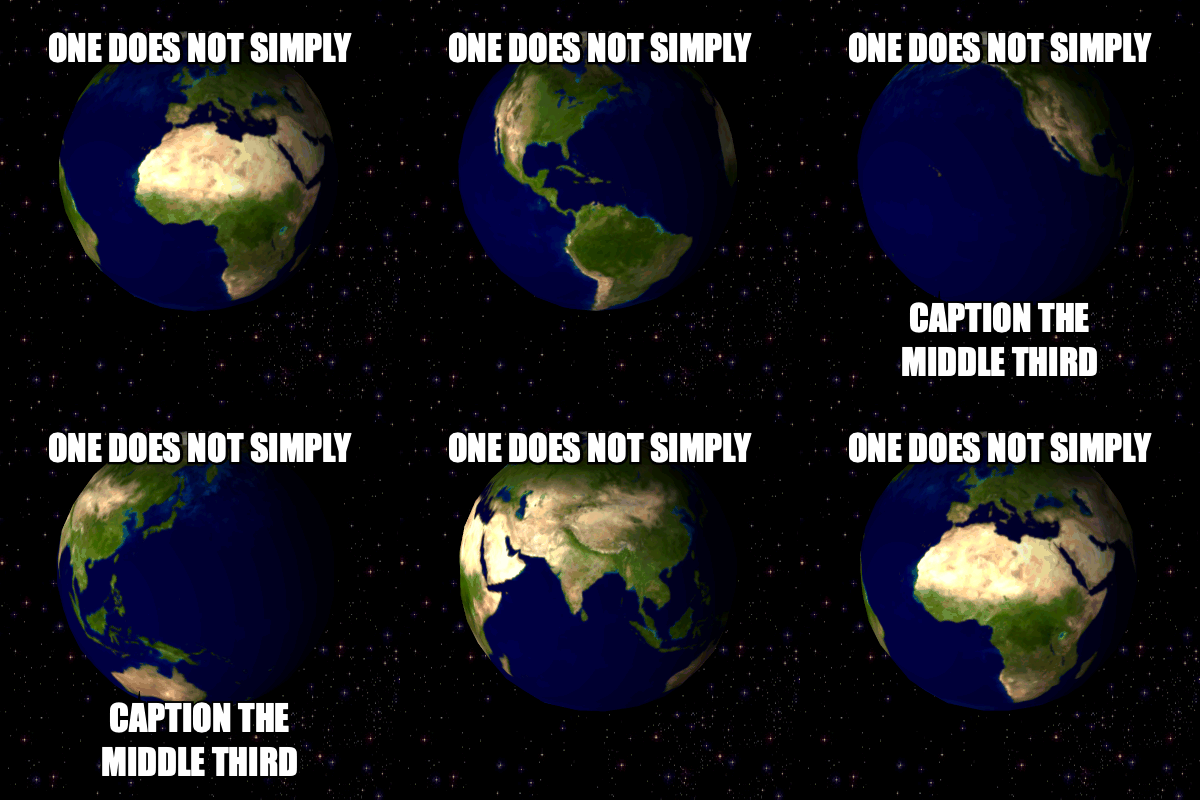
Add your own text to any GIF in seconds — classic white meme lettering you drag anywhere, size how you like, and stack as many lines as the joke needs. Then use the timeline to choose exactly when each line appears and disappears, so the punchline lands on the right frame. Rendered on your device, saved to your history, dropped straight into your chat.

A GIF captioned with timed meme text made in BetterGifBar
The caption editor: draggable text, filmstrip timeline, per-caption timing bars
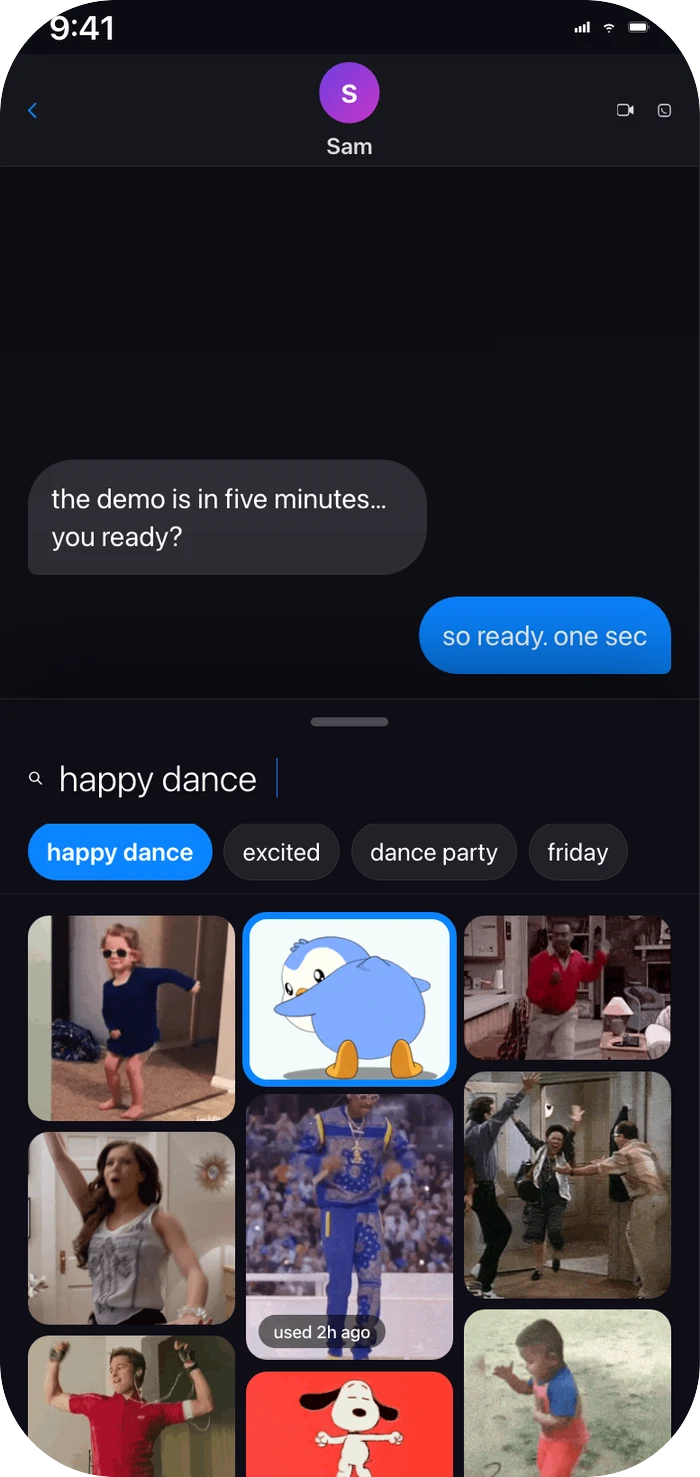
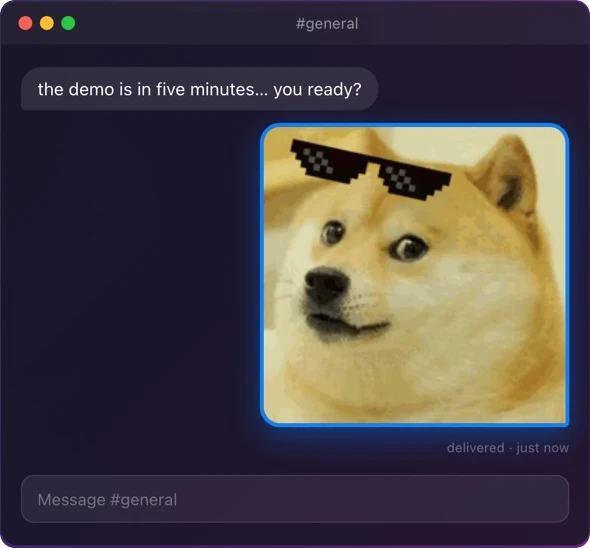
Press Enter and the GIF lands in your chat
Delivered right

Press ↩. It’s already pasted.

The panel never steals focus, so the GIF lands as an actual image file in the app you came from — the right format, every time. One keystroke from feeling to sent.

Search that thinks in threads

Every result branches.

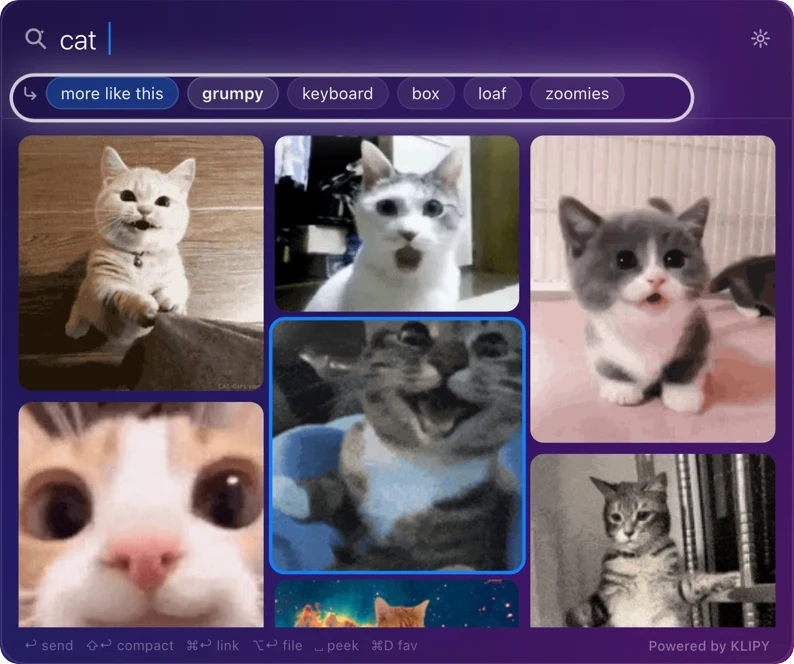
Pivot chips mined from your results: click to narrow the hunt, ⇧click to jump sideways — same subject, different feeling. Search history rewinds with ⌘[ — nothing is ever lost.

The pivot rail branching a cat search
And the rest

Fast, private, yours.

Keyboard-native

Global shortcut, arrows through a masonry grid, Enter to send, Space to peek. Emoji search: type 🙄 and get exactly that energy.

Nothing to manage

Menu-bar only on Mac, a drawer app in Messages on iPhone. No Dock icon, no windows, no accounts, no sign-in.

Private by default

Favorites and recents live on your device. Anonymous, content-free usage stats only — with an off switch. Read the policy.

Tell us anything

Bug, idea, GIF that rendered weird — it all helps.

Thanks — got it. 🎉